
WordPress to Next.js migration: how to move without losing SEO (2026 guide)
Lost rankings after a WordPress to Next.js migration come from missing redirects and metadata, not the framework. A six-phase plan from go/no-go to day 90, with code tested on Next.js 16.
Lunova

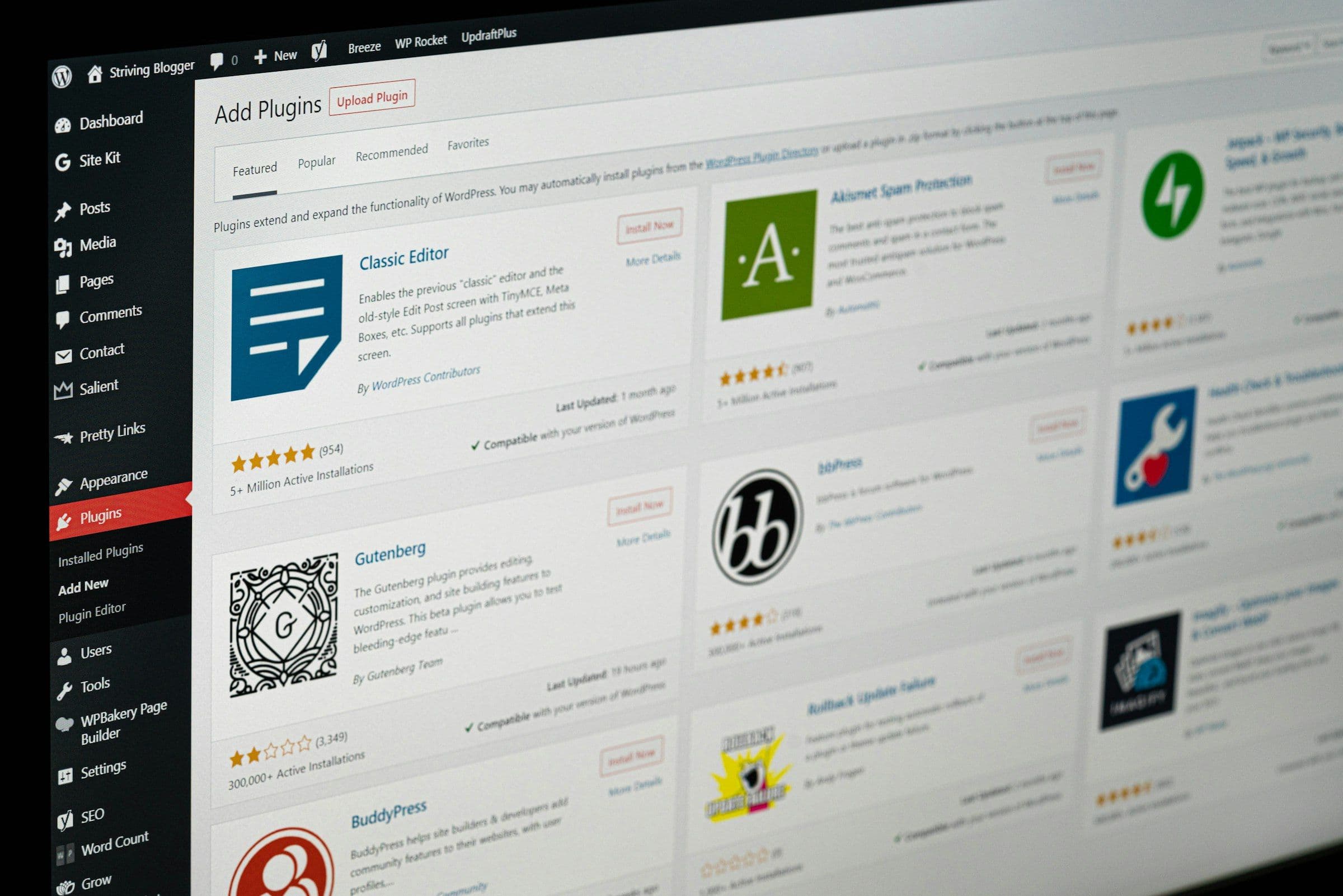
A WordPress to Next.js migration can give you a faster site, a cleaner codebase and fewer plugins to patch. Done carelessly, it can also wipe out years of organic traffic in a single deploy.
The framework is rarely the cause. Rankings are lost when URLs, titles, canonical tags and redirects fail to make it across. This guide splits the move into six phases, from the go/no-go decision to day 90 after launch. Every statistic links to its source, and every code sample was run against Next.js 16 before we published it.
Key takeaways
- Next.js makes a fast site possible, not guaranteed. WordPress scores poorly on Core Web Vitals, but Next.js sites have their own weak spot: responsiveness (INP).
- Rankings survive when every old URL redirects permanently, in one hop, to an equivalent page, and those redirects stay live for at least a year.
- Next.js sends 308, not 301, for permanent redirects. Google lists both as permanent moves.
- Security risk moves rather than disappears. You swap plugin updates for dependency updates, and Next.js now pre-announces security releases roughly once a month.
- AI helps most with repetitive conversion and QA work, but nothing it produces should reach production unchecked.
WordPress vs Next.js: what actually changes when you move
A classic WordPress theme builds each page in PHP from a MySQL database, usually behind a page cache. Next.js lets you choose how each route renders: at build time, regenerated when content changes, or on every request. The real gain is control. You decide which HTML, CSS and JavaScript reach the browser, instead of inheriting whatever a theme, a page builder and twenty plugins load.
Performance: what real-user data says
WordPress does have a measurable performance problem. In the 2025 Web Almanac, WordPress passed Core Web Vitals on 45% of sites, among the lowest of the platforms measured. The same chapter is careful about the cause: it finds that WordPress performance variance “is driven more by configuration than by core limitations”, and that around 60% of WordPress sites use a page builder, which adds markup and script weight.
Next.js is not automatically fast either. In CoreWebVitals.io’s October 2026 field data, 67.5% of Next.js sites had a good Interaction to Next Paint (INP), last of the 11 JavaScript frameworks it tracks. The usual culprit is client-side JavaScript: hydration and oversized client components compete for the browser’s main thread.
Two more facts belong in your business case. Google says good Core Web Vitals do not guarantee that your pages will rank at the top. And speed still pays: in the Deloitte study for Google, a 0.1-second mobile speed improvement lifted conversion rates by 8.4% for retail sites and 10.1% for travel sites.
The practical conclusion: migrate to remove a measured bottleneck you cannot fix inside WordPress, not because a framework has a fast reputation.
Security: the risk moves, it does not vanish
WordPress risk is concentrated in its ecosystem. Patchstack recorded 11,334 new WordPress vulnerabilities in 2025, a 42% rise on 2024, with 46% unpatched when they were disclosed. Plugins accounted for 91% of them. We covered what that means for a business site in WordPress security in 2026.
Replacing plugins with your own code shrinks that surface, but a Next.js site that runs server code still needs patching. In March 2025, CVE-2025-29927 let attackers bypass authorisation checks in Next.js middleware. In December 2025, CVE-2025-66478, rated CVSS 10.0, allowed remote code execution in App Router applications (it is tracked upstream in React as CVE-2025-55182). And in July 2026 Next.js started a security release programme that gives advance notice of scheduled releases roughly once a month. The first fixed four high-severity and five medium-severity vulnerabilities.
A fully static export has a very small attack surface. Once you use server rendering, Server Actions or Proxy, budget for monthly dependency updates the way you budgeted for plugin updates.
Hosting cost: model it on your own traffic
Hosting can get cheaper, but it is not a flat fee. Vercel’s Pro plan is a $20 monthly platform fee with one deploying seat and $20 of usage credit, with usage beyond that billed per product. Bandwidth, function time, image optimisation and build minutes all scale with traffic. You are not tied to one host either: since Next.js 16.2 the Adapter API is stable, giving hosts such as Netlify and Cloudflare a documented way to run Next.js. In most business cases developer time dwarfs hosting, so price the build and the maintenance, not just the monthly invoice.
When staying on WordPress is the better call
Stay put if your content team lives in the block editor and nobody on staff can own a codebase. Stay put if core business functions run on plugins such as WooCommerce, memberships, an LMS or bookings, because each one becomes a rebuild. And stay put if the site already passes Core Web Vitals and converts well: a lighter theme, fewer plugins and better hosting usually deliver more per pound than a rewrite.
| Your situation | Recommended path |
|---|---|
| Editors depend on WordPress; the front end is the bottleneck | Headless WordPress with a Next.js front end |
| Developer-led team; mostly articles and landing pages | Full migration to MDX or a headless CMS |
| Large site that cannot freeze content or risk one big launch | Phased migration, one section at a time |
| Site already fast, no in-house developers, plugin-heavy | Stay on WordPress and optimise |
Not sure which row you are in? In a free 15-minute audit we look at your site with you on a live screen-share and tell you what we would fix first, whether you migrate or not.
Choose an architecture: headless, full or phased
Headless WordPress
WordPress stays as the editing tool and serves content through its REST API or WPGraphQL, while Next.js renders the public site. Editors keep their workflow. The trade-off is running two systems, and WordPress still needs updates and hosting. One SEO trap is specific to this setup: the old WordPress front end often stays reachable on its own hostname. Put it behind authentication or a noindex header so it cannot compete with the new site.
Full migration
Content moves into Markdown or MDX files in Git, or into a headless CMS, and WordPress is retired. It is the simplest end state and the biggest change for editors. If you choose MDX, skip Contentlayer: it is effectively unmaintained, and Velite’s own documentation describes it that way. Content Collections, Velite or @next/mdx are the usual replacements.
Phased migration
Run both stacks on one domain and move one section at a time, for example the blog first, then landing pages. Next.js serves migrated paths and forwards everything else to the WordPress origin. It spreads risk, but canonical tags, sitemaps and internal links have to stay consistent while two systems share the domain.
Still undecided? Headless WordPress with Next.js vs a full migration compares all three with a scoring rubric, and the best CMS for Next.js compares seven content platforms.
Rendering choices that affect SEO
Render anything you want indexed as HTML on the server, at build time or per request. Avoid primary content that only appears after client-side JavaScript runs: the Web Almanac warns that pages relying heavily on client-side rendering “may be less visible, as extraction becomes slower or incomplete”. Keep interactive islands small, since every client component adds JavaScript that can hurt INP.
| Page type | Rendering mode | Why |
|---|---|---|
| Posts, docs, landing pages | Static, revalidated on publish | Fastest HTML, fresh after edits |
| Category and tag listings | Static, revalidated | Same benefits, crawlable pagination |
| Site search results, account pages | Per request; keep search results out of the index | Output varies by user or query |
| Personalised widgets | Small client components inside static pages | Content stays in the HTML |
Phase 1: inventory every URL and record a baseline
Redirect gaps cause most post-migration traffic losses, and they nearly always trace back to an incomplete URL list. Build yours from four sources and merge them: a full crawl of the live site; WordPress’s own data (its sitemap plus the REST API’s link field for every post and page); every URL with impressions in Search Console over the last 16 months; and a backlink tool export. The Search Console interface exports at most 1,000 rows, so on a larger site use its API or the bulk data export. Server logs are a useful fifth source for URLs that only bots and old bookmarks still request.

WordPress generates several URL families that teams routinely forget:
| URL family | Example | Typical decision |
|---|---|---|
| Posts | /2024/03/post-name/ or /post-name/ | One-to-one redirect to the new post URL |
| Pages and child pages | /services/seo/ | Keep the same path if possible |
| Category and tag archives | /category/news/, /tag/nextjs/ | Map to an equivalent path-based listing |
| Author archives | /author/jane/ | Map to an author page or the blog index |
| Date archives | /2024/03/ | Usually redirect to the blog index |
| Pagination | /page/2/, /category/news/page/3/ | Map the pattern to the new pagination |
| Attachment pages | /post-name/photo-1/, /?attachment_id=12 | Redirect to the parent post |
| Query-string IDs | /?p=123, /?page_id=45 | Map by ID in Proxy (see Phase 4) |
| Feeds | /feed/, /category/news/feed/ | Serve a feed at the same URL or redirect |
| Media files | /wp-content/uploads/2024/03/photo.jpg | Keep the path or redirect it |
Next, freeze a baseline. Export clicks, impressions and top queries per URL from Search Console, counts from the Page indexing report, and the Core Web Vitals report for mobile and desktop. Track LCP, INP and CLS, since INP replaced FID as a Core Web Vital on 12 March 2024. Add your most-linked pages and the conversion rate of each landing page. Save raw exports, not screenshots.
Finally, decide the fate of each URL: keep it, merge it into a stronger page and redirect, or retire it. Retired pages with no equivalent should return 404 or 410, not a mass redirect to the homepage, which helps neither users nor search engines.
Phase 2: export and convert content
This section covers the essentials. The full pipeline, including Gutenberg block parsing, shortcode conversion and MDX validation, is in how to export WordPress to MDX.
WordPress offers two export routes. Tools → Export produces a WXR (XML) file with posts, pages, comments, terms and custom fields, with shortcodes intact. The REST API returns JSON, which is easier to transform. Mind its limits: per_page is capped at 100 records, and the X-WP-Total and X-WP-TotalPages headers tell you how many requests you need.
This public export is enough for the URL inventory and the redirect map. For converting content, use the raw, authenticated export in how to export WordPress to MDX, which keeps shortcodes and block markers intact.
Three gotchas:
- Quote URLs when you test in a shell, as in
curl "https://www.example.com/wp-json/wp/v2/posts?per_page=100&page=2". An unquoted&sends the command to the background and thepageparameter is lost. - Anonymous requests return published content only. Drafts and private posts need an authenticated request; Application Passwords work.
- content.rendered has already run your shortcodes. To keep shortcodes so you can map them to components, use the WXR file or an authenticated
context=editrequest.
Custom post types must be registered with show_in_rest to appear in the API, and Advanced Custom Fields groups are not visible in the REST API until you opt in, group by group.
Convert the bulk of posts with a deterministic converter (the unified toolchain or Turndown), then handle exceptions by hand or with AI help. Build a shortcode inventory before converting anything. Pages made with a visual page builder deserve separate treatment: their nested, class-heavy markup rarely converts cleanly, so rebuild those layouts as components.
For media, copy the whole wp-content/uploads directory from the server or a host backup instead of scraping it, which misses files nothing links to. Serving images from their existing paths is the simplest SEO-safe option. And list every non-content feature (comments, forms, search, newsletter sign-ups, analytics events) with an owner and a replacement.
Phase 3: rebuild the SEO layer in Next.js
Titles, descriptions and canonical tags
Carry over every custom title, meta description, canonical override and noindex flag from Yoast or Rank Math. Pages that were noindex on WordPress must stay that way. In current Next.js, params is a Promise that generateMetadata awaits:
Take canonical only from a deliberate override. Yoast’s yoast_head_json includes a canonical for every post, pointing at the old WordPress URL; copied wholesale, it would point every page at a redirect.
Relative canonical URLs resolve against metadataBase, so set it once in the root layout, for example metadataBase: new URL('https://www.example.com').
Structured data
Next.js recommends rendering JSON-LD as a script tag in your layout or page, with “<” escaped:
Use a named Person author with a profile URL where you can, and add BreadcrumbList and Organization markup at the layout level. Do not migrate FAQ markup expecting rich results: Google limited them to government and health sites in 2023, then stopped showing FAQ rich results for every site on 7 May 2026. The markup is still valid; it just earns no special listing.
Sitemap and robots.txt
Leave out priority and changeFrequency: Google ignores both, and uses lastmod only when it is consistently and verifiably accurate. One sitemap holds up to 50,000 URLs or 50MB uncompressed; beyond that, split it with a sitemap index. List only canonical, indexable URLs that return 200, and make sure staging Disallow and noindex rules never ship to production.
Trailing slashes, feeds and internal links
WordPress permalinks normally end in a slash, while Next.js by default redirects URLs with a trailing slash to the version without one. If you keep WordPress-style paths, set trailingSlash: true so existing URLs resolve directly. With that setting, URLs for files with an extension, such as images under /wp-content/uploads/, are left alone.
Recreate RSS at the same address (a Route Handler at app/feed/route.ts serves /feed/), because readers and aggregators are subscribed to it. Rewrite internal links in the content to their final URLs during conversion rather than leaning on redirects; a crawl of staging should report zero internal 3xx responses.
Phase 4: map and test redirects
The rules below cover most sites. For attachment pages, encoded slugs, UTM parameters, hop-count testing and maps in the thousands, see Next.js redirects for WordPress URLs.
301 or 308?
With permanent: true, Next.js returns a 308 status code rather than a 301, so the request method is preserved. For search that is fine: Google lists both 301 and 308 as signals that a page has permanently moved. If a tool insists on a literal 301, set statusCode: 301 instead of permanent.
Rules that protect rankings
Every old URL should reach its closest equivalent in a single hop. Avoid chains (old → interim → final) and blanket redirects to the homepage. And keep them: Google’s site-move guide says to keep redirects “for as long as possible, generally at least 1 year”, and from users’ perspective to consider keeping them indefinitely. If your domain is not changing, you do not need Search Console’s Change of Address tool, which only works for domain-level moves.
Pattern redirects in next.config.ts
Map category archives to path-based URLs rather than query strings such as /blog?category=news, which are harder to canonicalise and paginate. Patterns only cover URL families. Post-name permalinks such as /post-name/ and attachment pages need one rule each, generated from your export and served as literal redirects; the redirects guide has the script that builds that map and the config that serves it.
ID-based URLs (/?p=123)
Config redirects can match query values, but query values in the request are passed through to the destination, so /?p=123 would land on /blog/post-name/?p=123. Handle these in Proxy, the Next.js 16 name for middleware, and build a clean destination:
Campaign parameters such as utm_source survive the redirect; the WordPress ID does not.
Redirects at scale
Config redirects have platform limits. On Vercel the cap is 1,024 redirects, and for more than a thousand the Next.js docs recommend a custom solution in Proxy, backed by a key-value store or a Bloom filter. Generate that map from data (the old link field joined to the new slug), never by hand.
Test every redirect before launch
This script reads the generated redirect-map.json (add a few rows for each pattern family and some ?p= IDs) and follows every redirect by hand, so it catches chains and loops a status check misses:
Run it against staging, then again against production minutes after launch.
Phase 5: launch day
A day-by-day version of Phases 5 and 6, from 30 days before launch to day 90, is in the website migration SEO checklist.
- Freeze publishing on WordPress, or log every change made during the cutover window.
- If DNS is changing, lower the record’s TTL a day or two ahead so the switch propagates quickly.
- Deploy, then remove staging protections. Google’s own reminder: “Don’t forget to remove any noindex or robots.txt blocks that were only needed for the migration.”
- Switch traffic and run the redirect test against production.
- Submit the new sitemap in Search Console, and use URL Inspection on your top 20 pages to confirm Google sees the right canonical and rendered HTML.
- Test analytics, consent banners, conversion events and every form end to end.
- Keep a complete WordPress backup (files and database) for rollback, and keep any surviving WordPress front end out of the index.
Phase 6: monitor for 90 days
Some turbulence is normal. Google tells site owners to “expect temporary fluctuation in site ranking during the move”, and says a medium-sized site can take a few weeks or more before the new URLs show. A sustained drop on specific pages is not normal, and it almost always has a fixable cause.

- Week 1. Review 404s in Search Console and server logs daily, rerun the redirect test, and confirm the new sitemap is processed without errors.
- Weeks 2 to 4. Compare clicks and impressions per URL against the baseline. In the Page indexing report, “Page with redirect” is expected for old URLs; spikes in “Not found (404)” or “Duplicate without user-selected canonical” need investigating.
- Months 2 and 3. Judge Core Web Vitals once enough field data has built up. PageSpeed Insights field data covers a trailing 28-day period, so early readings still include pre-launch traffic.
| Symptom | Likely cause | Fix |
|---|---|---|
| One page lost rankings while similar pages held | Wrong redirect target, content cut in conversion, or lost internal links | Diff old and new content; correct the target; restore links |
| Spike in 404s from old URLs | URL families missing from the map (pagination, attachments, feeds) | Add the patterns and retest |
| New URLs stuck at “Crawled - currently not indexed” | Thin or duplicate pages, or content rendered client-side | Check rendered HTML in URL Inspection; consolidate thin pages |
| INP worse than on WordPress | Heavy client components or third-party scripts | Move logic to Server Components; defer or remove scripts |
| Old WordPress URLs reappearing in results | Old front end still reachable on another hostname | Restrict access or add noindex |
Where AI fits in a migration, and where it does not
AI earns its keep in the repetitive middle: classifying shortcodes and proposing component mappings, cleaning up HTML that deterministic converters choke on, drafting alt text for images that never had any, suggesting matches for orphan URLs, and diffing old and new pages during QA. The Web Almanac reaches a similar view for content platforms generally, describing AI as a workflow accelerator rather than a way to make sites faster.
Pilot on 20 representative posts and measure before you plan a timeline around it. Then keep three guardrails:
- Generate the redirect map from data. Use AI only to propose matches for leftovers, and have a person approve them.
- Check every converted post against the original for word, heading, link and image counts, and flag differences.
- Require human sign-off on your highest-traffic pages. A model that “improves” a ranking page’s copy can change what that page ranks for.
What drives migration timeline and cost
Two sites with the same page count can differ several-fold in effort. Scope yours by these drivers rather than a generic estimate:
| Driver | Lower effort | Higher effort |
|---|---|---|
| URL patterns | Post-name permalinks, few archives | Mixed date, ID and custom structures |
| Content model | Posts and pages | Many custom post types and ACF groups |
| Functional plugins | Contact form, SEO plugin | Ecommerce, memberships, LMS, bookings |
| Page builders | Block editor content | Builder-made layouts on key pages |
| Integrations | Analytics only | CRM, marketing automation, consent, search |
| Languages | One | Several, with hreflang |
| Editorial workflow | Developers publish | Non-technical editors who need previews and roles |
A brochure site with a blog sits in the left column. A WooCommerce or LMS site sits in the right one, and at that point you are scoping a rebuild rather than a migration.
How we moved ProEd off WordPress
We moved ProEd from WordPress to Sanity and Next.js, hosted on Vercel: 68 pages and the full blog, each mapped to its new URL. ProEd changed its domain at the same time, one of the riskiest moves a site can make, and retained 70% of its organic clicks six weeks after launch. The ProEd migration case study has the redirect plan and the numbers, and migrating from WordPress to Sanity covers the content side. The site you are reading runs on the same stack.
More in this series
- Next.js redirects for WordPress URLs: 308s, query strings and scale
- Export WordPress to MDX: blocks, shortcodes and ACF fields
- Headless WordPress with Next.js vs a full migration
- Best CMS for Next.js: seven options compared
- Website migration SEO checklist: 30 days before launch to day 90
Planning a WordPress to Next.js migration?
Start today with one task you can do alone: pull every URL with impressions from Search Console (through the API if you have more than 1,000). That list is the backbone of the whole migration.
Lunova Labs designs and builds websites on Next.js, and moves WordPress sites across while protecting the rankings they have earned. If you would rather not run this checklist alone, tell us about your site.



Ready when you are