
React Native time zones: why a 09:00 lesson showed at 13:30, and the fix
A lesson booked for 09:00 showed at 13:30 on a phone in Sri Lanka. How React Native time zones go wrong in booking apps, and a tested fix that uses only Intl.DateTimeFormat.
Sadeepa Methmal

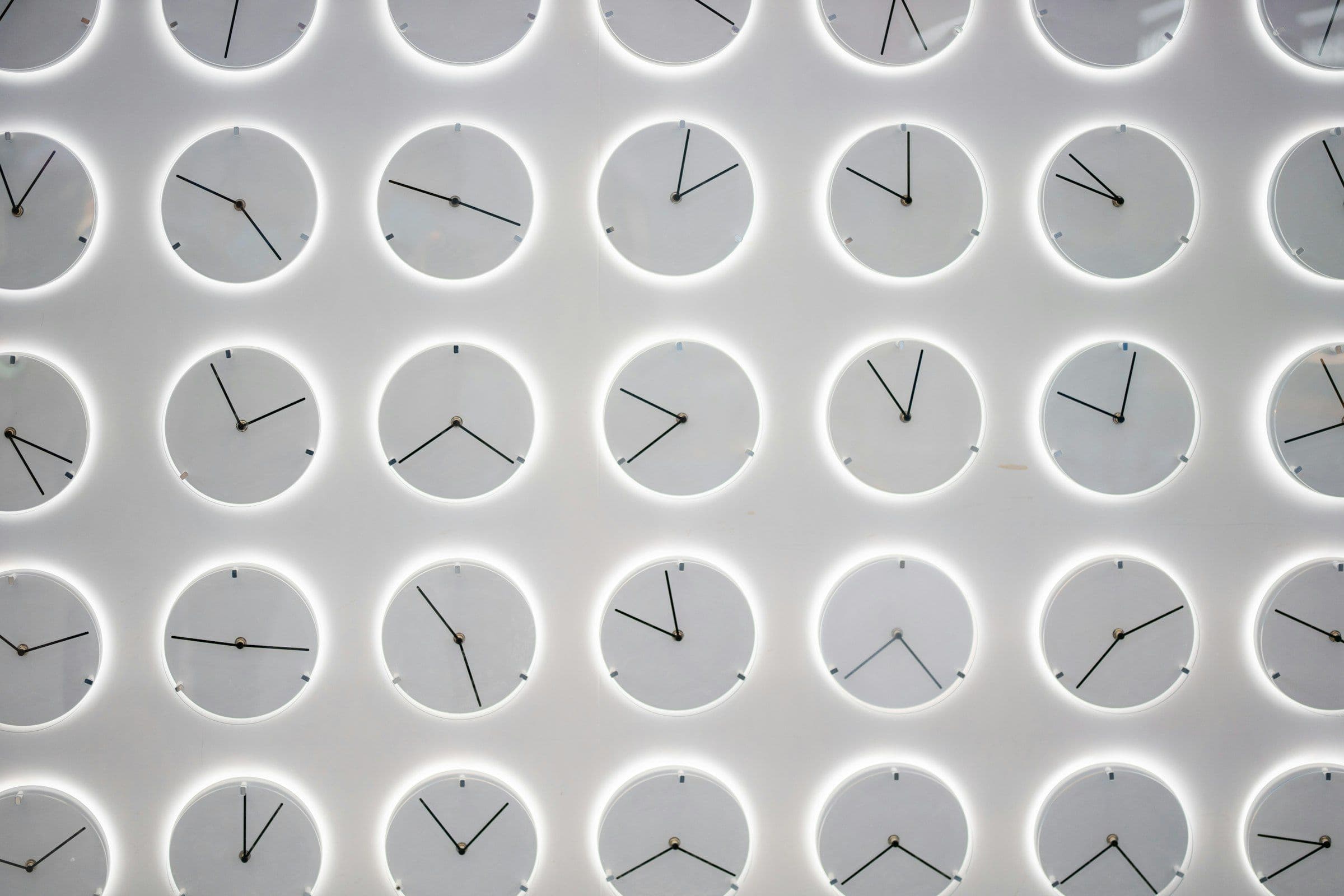
While testing Drivio, a React Native app for driving instructors that I work on at Lunova, a lesson booked for 09:00 to 11:00 appeared in the calendar at 13:30 to 15:30. The time was right in the data and wrong on the screen, and my phone was set to Sri Lanka.
This guide explains why React Native time zones go wrong in booking apps, how to fix it with nothing but the built-in Intl API, and how to test for it. The examples come from a booking app, but the ideas apply to any app or website that takes appointments.
Key takeaways
- A JavaScript Date is a single instant. It only looks local because methods like getHours() read it in the device’s time zone.
- Store the time zone with every future booking. An instant alone can’t tell you which place’s clock a booking belongs to.
- Use one clock, bound to that zone, for saving and showing times. Bugs live in the gap between the two.
- Intl.DateTimeFormat can do the conversions. You may not need a date library.
- Run some tests in a time zone you don’t build in. Otherwise they can pass by accident.
The arithmetic behind a 4.5-hour bug
The lesson was booked for 09:00 on a September morning. During British Summer Time the UK is one hour ahead of UTC, so 09:00 in London is 08:00 UTC. Sri Lanka is UTC+5:30 all year round, so 08:00 UTC is 13:30 in Colombo.
GOV.UK lists the clocks going back on 25 October 2026 and forward again on 28 March 2027. Between those dates, 09:00 in London is 09:00 UTC, and the same mistake would draw the lesson at 14:30. A bug whose size changes twice a year is a strong hint that time zones are involved.
How JavaScript dates work in React Native
MDN’s Date reference describes a Date as “a single moment in time”, stored as milliseconds since the start of 1 January 1970, UTC. It adds that “the local timezone is not stored in the date object, but is determined by the host environment (user’s device).” So two phones holding the same Date report different hours.
Parsing needs care too. In MDN’s words, when there is no offset, “date-only forms are interpreted as a UTC time and date-time forms are interpreted as a local time”:
new Date('2026-09-15T09:00:00')  // 09:00 wherever the phone is
new Date('2026-09-15T08:00:00Z') // one fixed instant everywhere
new Date('2026-09-15')           // midnight UTC, not local midnight
Where a booking calendar goes wrong
To place a booking in a day grid, you need its minutes since midnight. The obvious version asks the phone:
// The trap: minutes since midnight in the PHONE's time zone
function minutesIntoDay(iso: string): number {
  const d = new Date(iso)
  return d.getHours() * 60 + d.getMinutes()
}
On a phone in London the two sides agree. On a phone in Colombo, getHours() returns 13 for 08:00 UTC, and the booking lands 270 minutes too late. In a booking app the same assumption tends to hide everywhere a time is formatted, a block is positioned or a tap is turned into a time, so look for all of them at once.
Store the time zone, not just the instant
The usual advice is to store UTC. For past events that’s enough. For future ones, Jon Skeet’s Storing UTC is not a silver bullet argues that converting everything to UTC “doesn’t take into account that time zone rules change”. He recommends keeping the local time and a time zone ID, with UTC as a derived field.
For a booking app the practical minimum is an instant plus the IANA zone it belongs to, such as Europe/London, stored on the booking or on the account that owns it. The IANA Time Zone Database keeps the history of each zone. If the rules for your region might change before a booking happens, keep the local time too, as Skeet suggests.
One zone-bound clock for reading and writing
The fix is to stop asking the phone. Create one clock bound to the instructor’s zone, and use it both to turn a tapped slot into an instant and to turn an instant back into a position and a label.
You can build that clock with Intl.DateTimeFormat alone. Its timeZone option accepts any IANA time zone name, and formatToParts() returns the year, month, day, hour and minute in that zone. Here is a simplified version:
// Simplified example, not production code.
const formatters = new Map<string, Intl.DateTimeFormat>()

type Parts = Record<'year' | 'month' | 'day' | 'hour' | 'minute', number>

function partsAt(ms: number, timeZone: string): Parts {
  let f = formatters.get(timeZone)
  if (!f) {
    f = new Intl.DateTimeFormat('en-GB', {
      timeZone, hourCycle: 'h23',
      year: 'numeric', month: '2-digit', day: '2-digit',
      hour: '2-digit', minute: '2-digit',
    })
    formatters.set(timeZone, f) // formatters are slow to create, so keep one per zone
  }
  const parts = Object.fromEntries(
    f.formatToParts(new Date(ms)).map((p) => [p.type, Number(p.value)]),
  ) as Parts
  if (parts.hour === 24) parts.hour = 0 // guard: some engines print midnight as 24
  return parts
}

// Reading: where does this booking sit in the instructor's day?
function minutesIntoDay(iso: string, timeZone: string): number {
  const p = partsAt(Date.parse(iso), timeZone)
  return p.hour * 60 + p.minute
}
Writing goes the other way, from “09:00 on 15 September in London” to an instant. Guess, measure the zone’s offset at the guess, and correct. Doing it twice handles the days when the clocks change:
function offsetMs(ms: number, timeZone: string): number {
  const p = partsAt(ms, timeZone)
  const wall = Date.UTC(p.year, p.month - 1, p.day, p.hour, p.minute)
  return wall - Math.floor(ms / 60_000) * 60_000
}

// Writing: a wall-clock time in a zone -> a UTC instant
function zonedInstant(
  year: number, month: number, day: number, minutes: number, timeZone: string,
): number {
  const wall = Date.UTC(year, month - 1, day) + minutes * 60_000
  const firstGuess = wall - offsetMs(wall, timeZone)
  return wall - offsetMs(firstGuess, timeZone)
}

new Date(zonedInstant(2026, 9, 15, 9 * 60, 'Europe/London')).toISOString()
// '2026-09-15T08:00:00.000Z'
minutesIntoDay('2026-09-15T08:00:00Z', 'Europe/London') // 540, i.e. 09:00
As long as both functions get the same zone, a booking is always drawn where it was booked, whatever the phone is set to. On the nights the clocks change, the approach behaves sensibly. A time that doesn’t exist, such as 01:30 when the clocks go forward, moves on an hour. A time that happens twice when they go back resolves to the second one. We ran these examples with the device set to London, Colombo and New York time to check both cases.
Getting this right from the first release is much cheaper than repairing real bookings later. It’s the kind of detail we plan in at the start of iOS and Android app development at Lunova Labs.
Hermes and partial Intl support
Hermes is the JavaScript engine React Native uses by default. FormatJS’s guide to React Native and Hermes says Hermes “includes built-in support for some Intl APIs but not all”, and lists Intl.DateTimeFormat as partial. It also notes that support “evolves between versions”.
- Read the device zone with
Intl.DateTimeFormat().resolvedOptions().timeZoneinside a try/catch, with a sensible fallback. - If zone-aware formatting looks wrong, add
@formatjs/intl-datetimeformatwith the time zone data you need. - Check zone-aware screens on real Android and iOS devices, not only in tests.
Before the time zone is known
If the zone comes from settings loaded at runtime, there’s a moment when the app doesn’t know it yet. Don’t fill that moment by drawing bookings in the device’s zone. Show a loading skeleton instead, so a booking never flashes up in the wrong place.
Recurring appointments and the clock change
Many learners have the same slot every week. If you build a weekly series by adding seven days of milliseconds to a UTC instant, the booking drifts by an hour once the clocks change: a 17:00 lesson in London becomes 16:00 after they go back. Repeat the wall-clock time instead, and convert each occurrence on its own:
zonedInstant(2026, 10, 20, 17 * 60, 'Europe/London') // 16:00 UTC = 17:00 BST
zonedInstant(2026, 10, 27, 17 * 60, 'Europe/London') // 17:00 UTC = 17:00 GMT
Each instant is different, and both are 17:00 in London. If a server creates the series, send it each occurrence’s own start time, so the server never has to work out the clock changes itself.
Testing React Native time zone handling
Tests that run in the same zone as the stored setting can pass by accident, because the device and the setting always agree. Run part of your suite with the TZ environment variable set to a zone you don’t build in, such as America/New_York, so code that quietly relies on the phone’s clock fails a test.
Test the clock-change days too. A one-hour lesson starting at 00:30 on 29 March 2026 should read 00:30 to 02:30, because the clock jumps from 01:00 to 02:00 in between. For manual testing, set the phone to at least two zones, such as Europe/London and Asia/Colombo, and check every screen that shows a time. There’s more on that in what testing a lesson-booking calendar taught us.
What about Temporal?
The new Temporal API has a ZonedDateTime type built for exactly this problem. At the time of writing, the web features explorer lists it in Firefox 139 and in Chrome and Edge 144, but not yet in Safari, so it has limited availability. Check your JavaScript engine before relying on it in a React Native app. The model in this guide maps straight onto it when you’re ready.
Booking times that stay put
Time zone bugs are cheap to prevent and expensive to untangle once real bookings exist. Next in this series: how to prevent double bookings with one overlap rule and a database constraint, and how to set up React Native design tokens that keep colours consistent.
Planning a booking app? Start with a data model that gets time right on day one.



Ready when you are